
TV dashboard
Your whole operation
on one screen.
What is arriving, what is late, what is about to turn into demurrage and where the ships are. On a screen that stays on in the operations room and updates itself.
Sample data, fictitious. Your dashboard shows your own shipments.
What each part
of the screen shows
Today's indicators
Shipments, in transit, at port, late, free time running out, arrivals this week, clearance and demurrage.
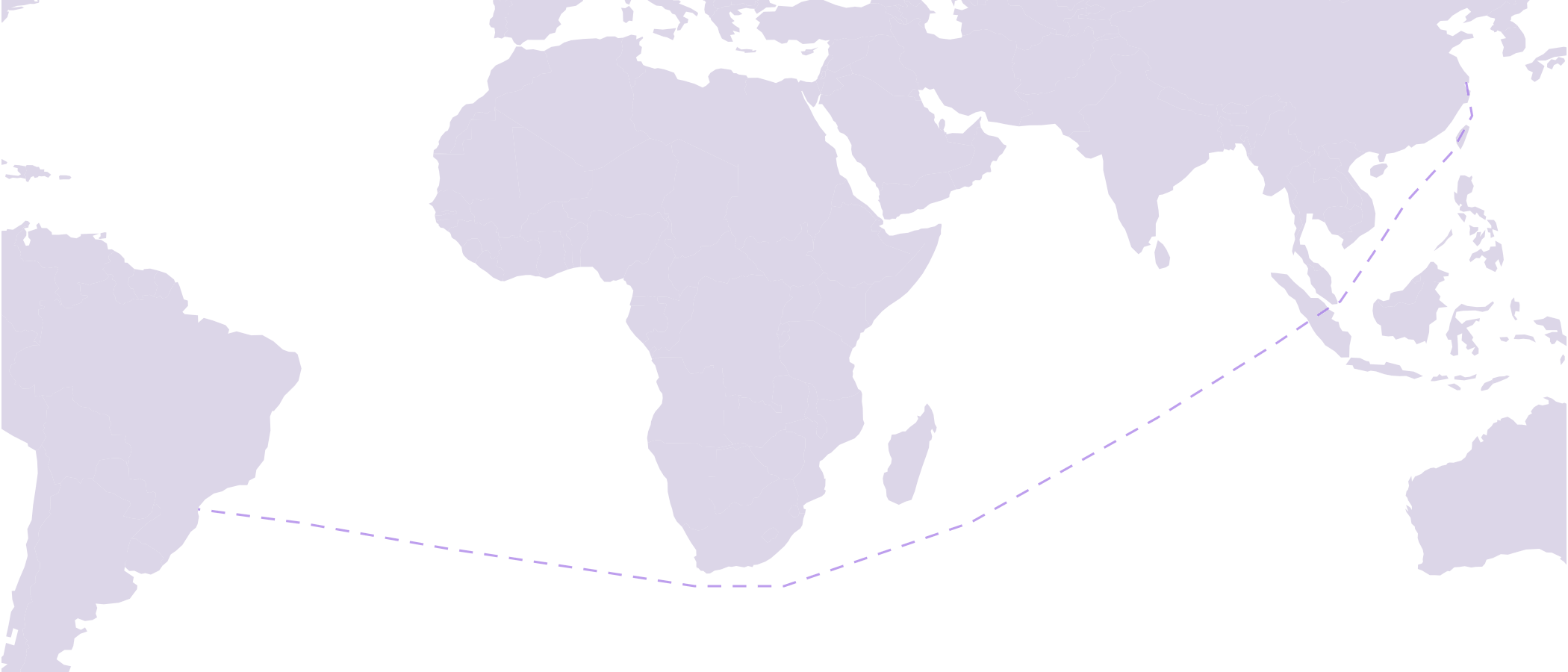
Map with the ships
Routes and positions of the vessels carrying your cargo.
A list that scrolls itself
Every shipment with route, carrier, ETA and free time. It moves every 8 seconds and can be paused.
Status and alerts
Breakdown by status, carriers with the most volume and the latest alerts.
How to
set it up
- Any TV with a browserOr a computer plugged into the TV. No special hardware.
- Sign in as a team userThe dashboard shows only your company's data.
- Open TV mode full screenThere is a full-screen button on the dashboard itself.
- Leave it onIf the connection drops, the dashboard says the data is stale and tries to reconnect.
What it's for
day to day
- Daily stand-upThe team looks at the same screen: what arrives this week and what is late.
- Exceptions in plain sightDelays and demurrage are visible to everyone, not only the person handling the shipment.
- Fewer interruptionsAnyone asking where the cargo is checks the screen instead of the coordinator.
Dashboard
questions
Do I need a specific TV or device?
No. Any TV with a browser, or a computer connected to it, works.
Does the dashboard show other companies' data?
No. It shows only the shipments of the signed-in user's company.
Can it show imports only?
Yes. A filter switches between imports, exports and all shipments.
Which plans include the dashboard?
Check the pricing page. During the 30-day trial, every feature is unlocked.